Imitating Chess Grandmasters
April 8, 2026
Return To All ArticlesIntroduction
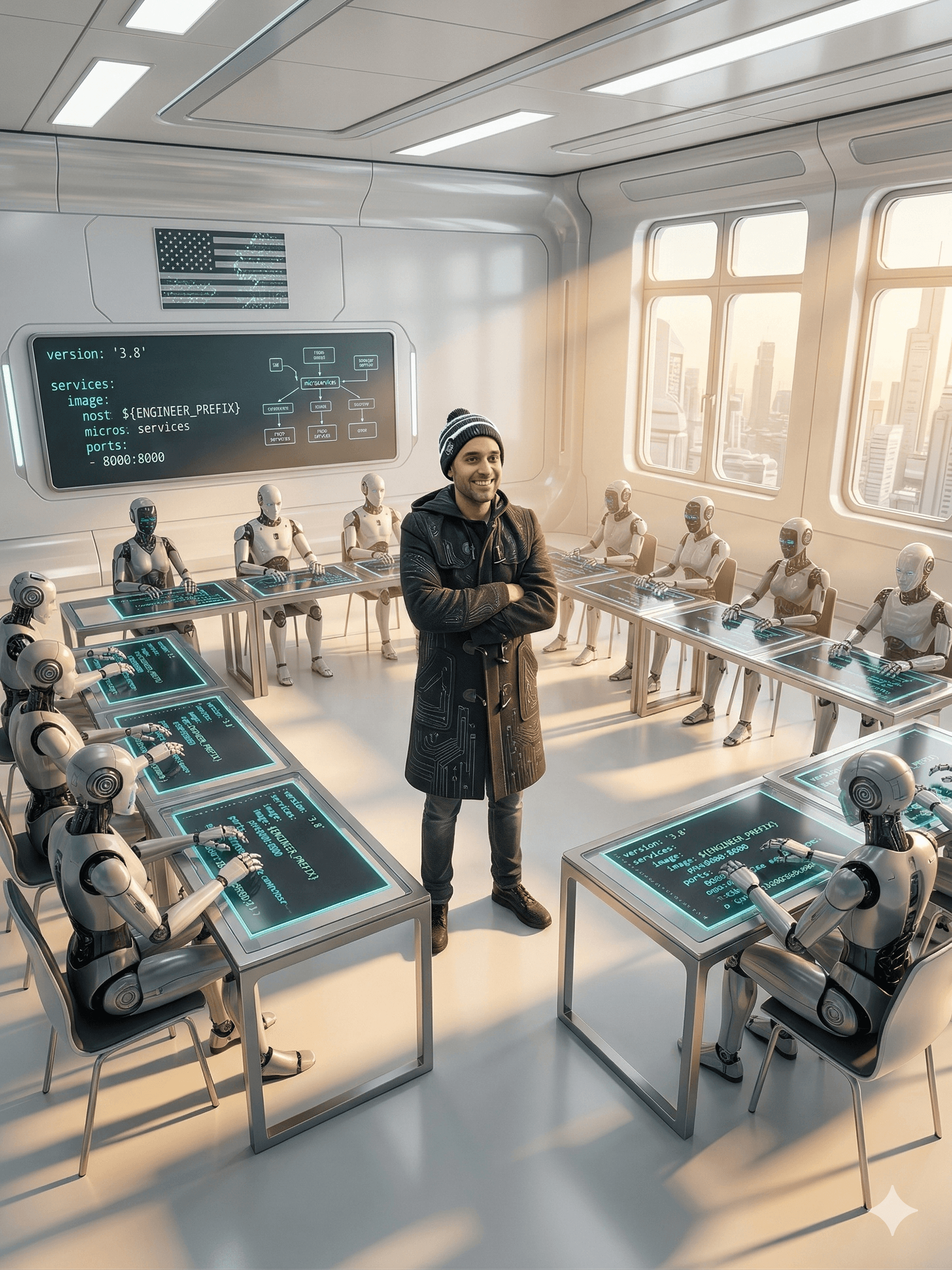
At some point in their careers, great chess players play multiple simultaneous games as part of their training. As an example, in the series The Queen's Gambit there's a scene where Beth does exactly this: in a school she plays multiple simultaneous games against 12 students at once.
Today, with my "engineers", I sometimes find myself in a similar situation — not playing, but supervising, correcting, and improving.
🏗️ The "Engineer" Concept
I call "engineer" each of the workspaces made up of all the projects involved (front, back, db, microservices, infra, etc.) for each software product I'm working on. This way, AI Agents have full access to the product's code.
With this setup, I can advance multiple requirements in parallel and then "move on" to review what each "engineer" did — in the same way a chess player walks around each board, evaluating and making a move at each game.
🐳 Running Complete Independent Environments
Even more interesting is the ability to run the complete system independently in each of those workspaces and execute end-to-end tests for each of the requirements.
This is possible because I run the full system using containers. Inside each workspace there is an infrastructure folder (repository) containing a docker-compose.yaml that defines all the services involved, pointing to the Dockerfile inside each of the corresponding service folders (front, back, db, microservices, etc.).
The Docker Compose uses ports and prefixes as variables. A service inside that docker-compose.yaml looks roughly like this:
services:
  service_back:
    build:
      context: ../../back
      dockerfile: Dockerfile
    image: ${ENGINEER_PREFIX}/back:latest
    container_name: ${ENGINEER_PREFIX}-backend
    ports:
      - "${BACKEND_PORT}:8000"
    depends_on:
      service_xyz:
        condition: service_healthy
    environment:
      - ENV_PREFIX=${ENV_PREFIX}
    restart: unless-stopped
    healthcheck:
      test: ["CMD", "curl", "-f", "http://localhost:8000/api/v1/health"]
      interval: 10s
      timeout: 5s
      retries: 5
      start_period: 30s
    networks:
      - system-network
    volumes:
      - backend-logs:/app/logs
      - ${HOME}/.aws:/root/.aws:ro
🚀 The start.sh and cleanup.sh Scripts
Inside each workspace there are also two scripts: start.sh and cleanup.sh.
The first one configures both the ports and the image/container prefix as follows:
- Determines if the default ports are available. If so, it uses them; otherwise it adds 1 to all ports until it finds a free set.
- Determines the prefix for image and container names based on the workspace folder name. For example:
eng_2(from "engineer"). - Exports the variables that
docker-compose.yamlshould use. - Runs
docker compose up --build -d.
The cleanup.sh script first determines the prefix (following the example, it would be eng_2) and uses it to stop and remove containers, images, and networks — that is, everything created by the first script.
📊 Results: 80% Reduction in Validation Time
With the ability to bring up complete and independent environments simultaneously, review the logs of each container, and run end-to-end tests on each of them, I have reduced — on average — around 80% of the time I previously spent on this type of validation, which used to be sequential and entirely manual.
One important detail to keep in mind: this consumes resources, and how many environments we can run in parallel depends on both our containers and our hardware.
🎯 Key Takeaways
Parallelization Strategy
- Each workspace acts as an independent "engineer" with full product context
- AI Agents work concurrently on different requirements
- The developer reviews progress like a chess player moving between boards
Infrastructure Setup
- Single
docker-compose.yamlper workspace with environment variable-driven ports and prefixes start.shhandles port conflict resolution automaticallycleanup.shensures complete teardown with no resource leaks
Impact
- 80% reduction in average validation time
- Sequential manual validations replaced by parallel automated environments
- End-to-end testing capability for each requirement independently
🔮 What's Next
The focus of this article is to show the setup I use to run the complete system in several simultaneous local environments. How I automate tests on these environments will be the topic of the next article.
While we're not playing chess, we must be strategists as Software Engineers — rethinking and reconfiguring our workflows and work environments in the era of code agents.
📚 Resources
Original LinkedIn Post (Spanish) 👉 Post & Article: Imitando a los maestros ajedrecistas